
IVICAM Software
Your camera, perfected.
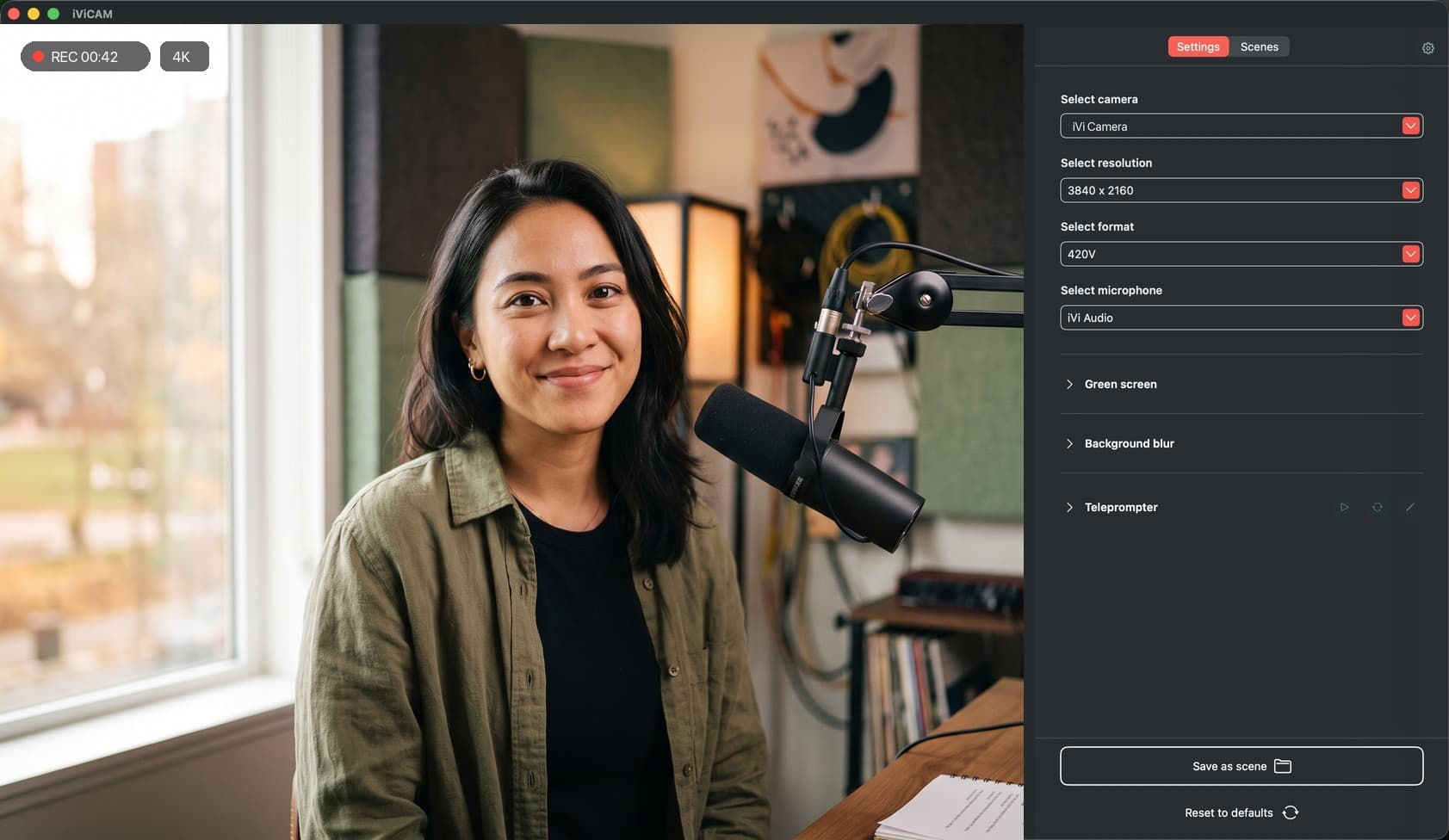
Simple on day one, powerful when you want it. IVICAM shows you only what you need and reveals more as you grow, from everyday controls to a comprehensive studio toolkit.
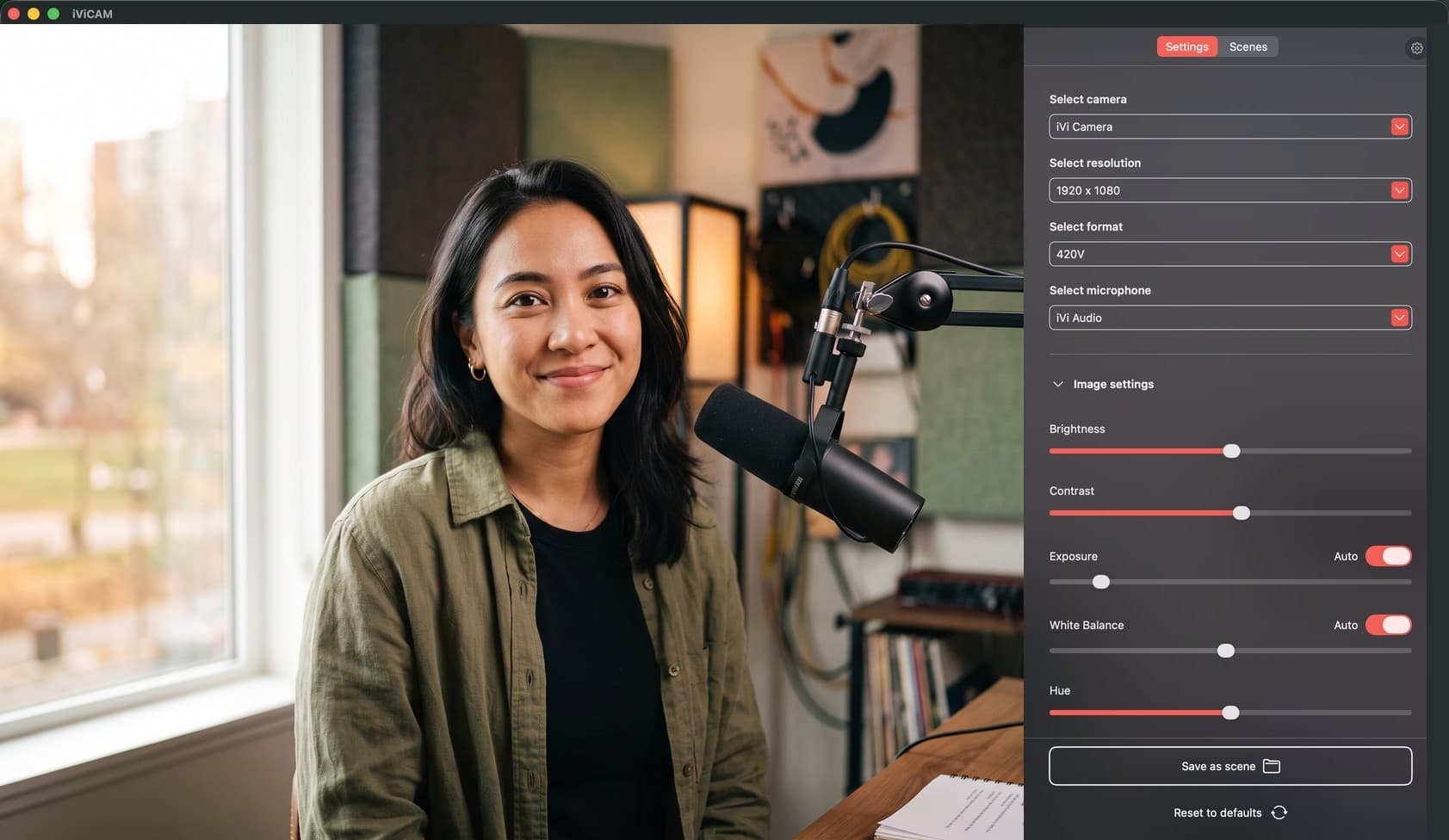
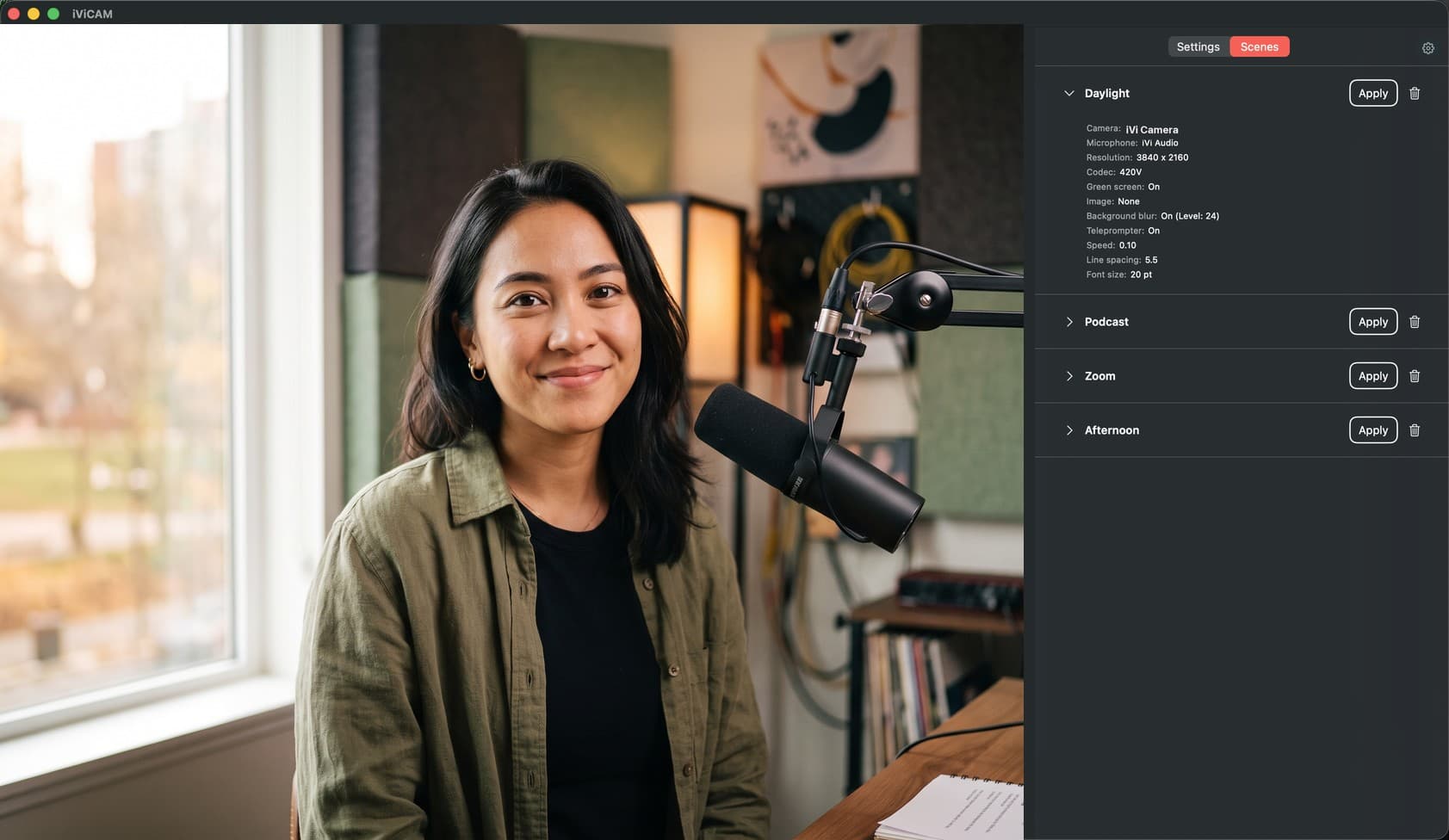
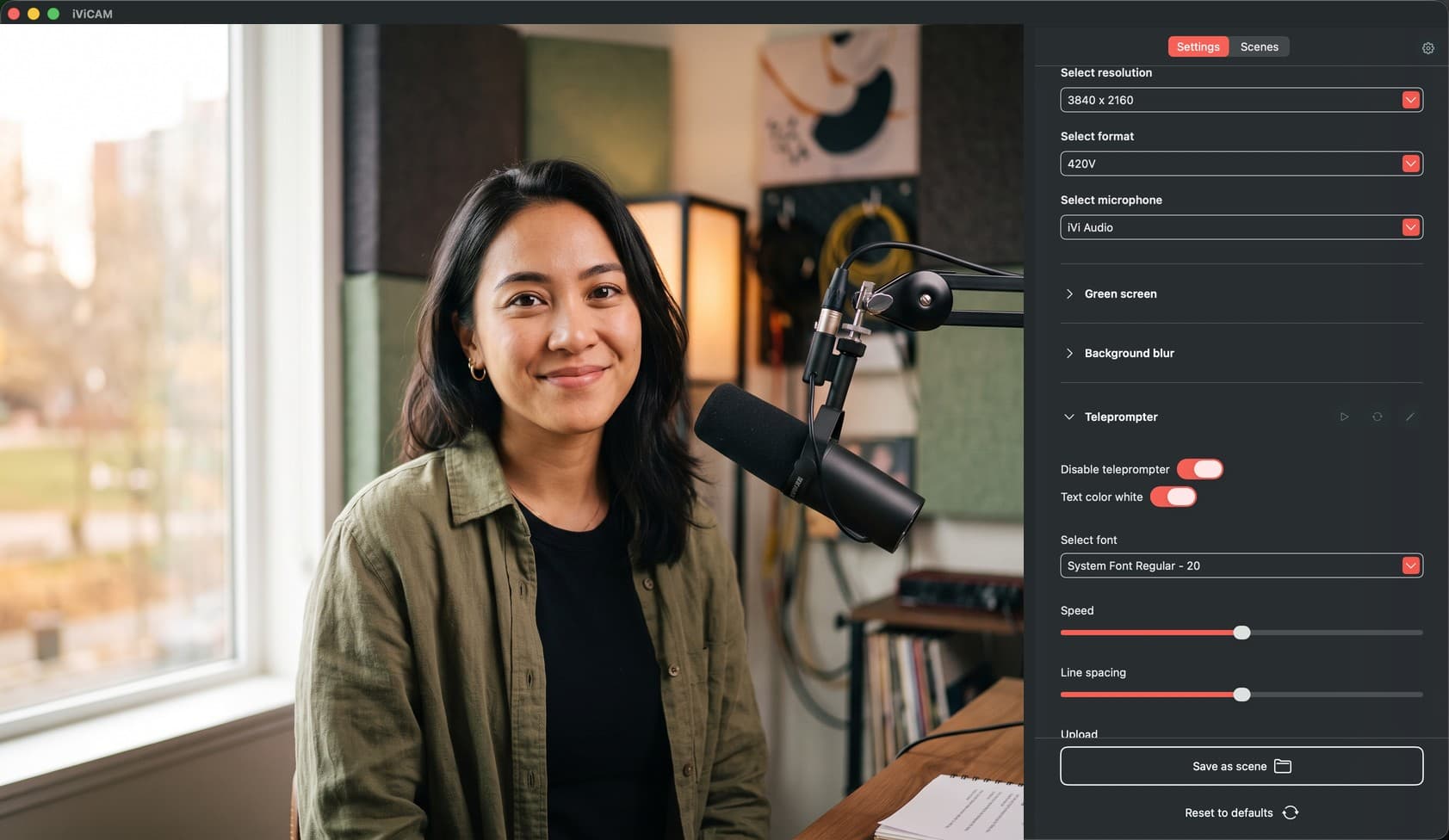
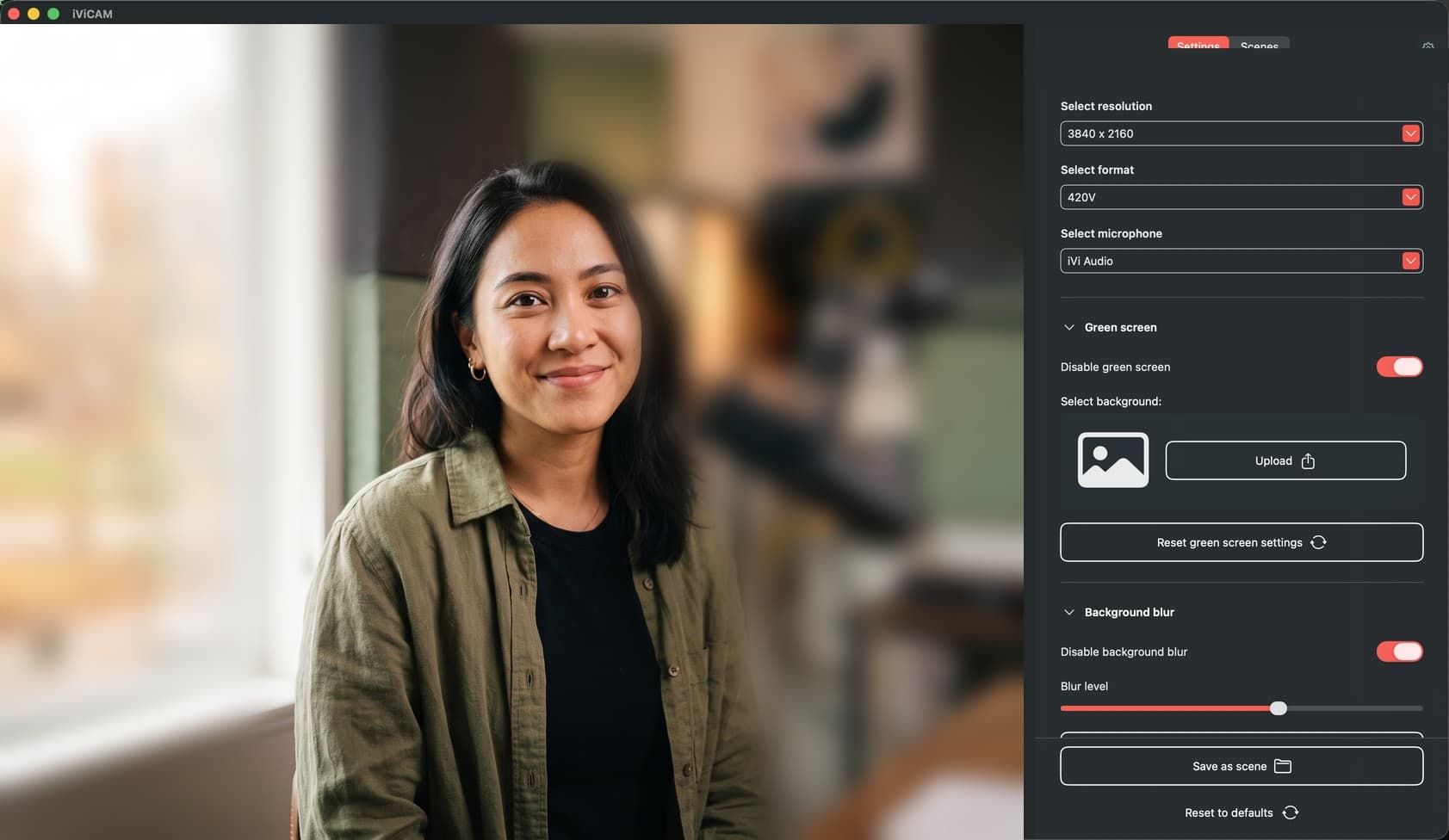
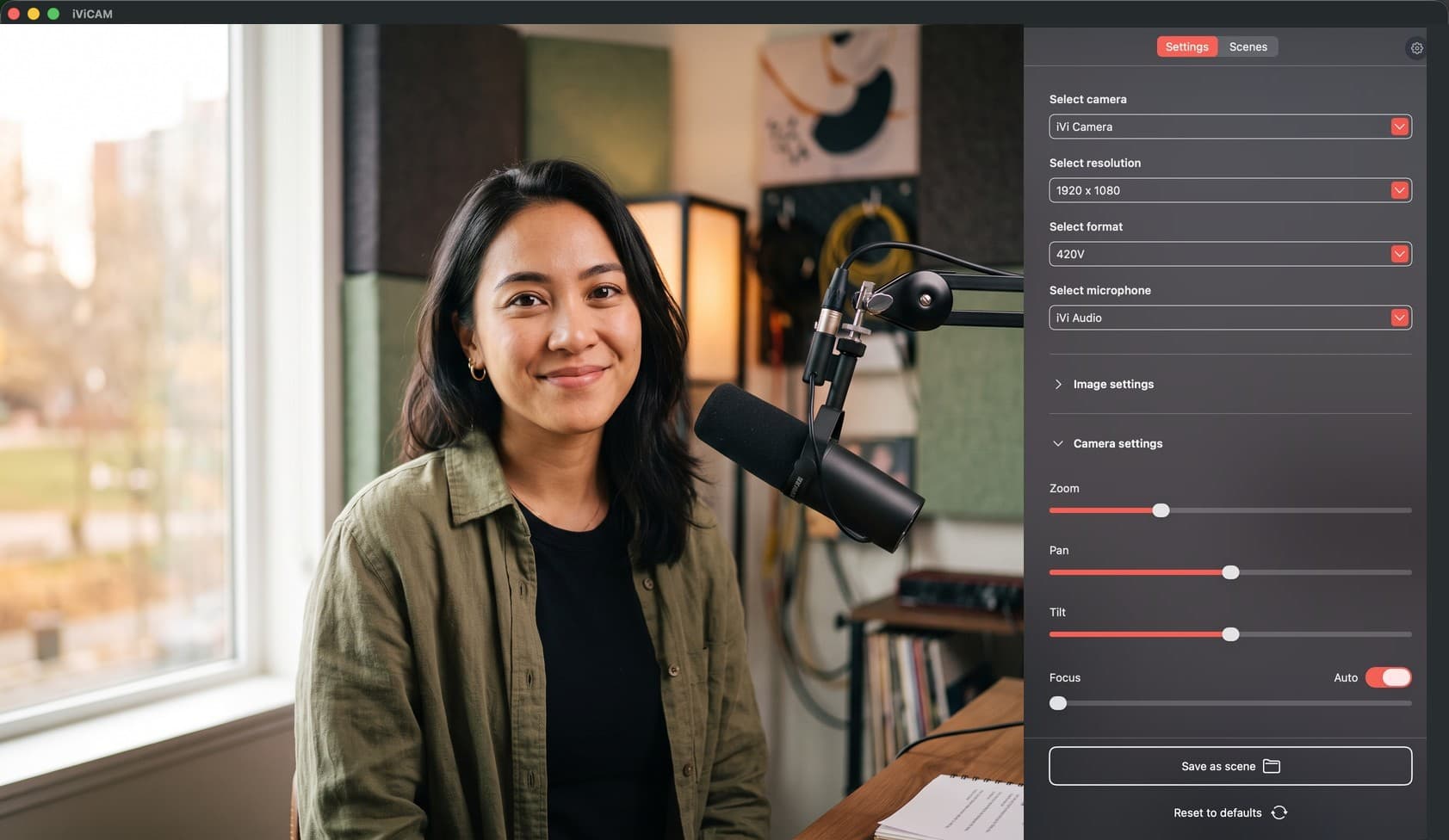
Camera controls
Zoom, pan, tilt, and focus, all from your desk. Frame yourself perfectly for every call without ever reaching for the camera.
Intelligent by design.
Every feature in IVICAM is purpose-built for professionals who need reliability, quality, and simplicity.
Autofocus
iVi holds focus on you, sharp through every call. And when you want the wheel, manual focus, zoom, pan, and tilt are each a slider away.
Light Correction
Set exposure and white balance to auto and IVICAM reads the room in real time, or dial in brightness, contrast, and hue by hand. From bright windows to dim offices, you always look your best.
Background Management
Blur, replace, or key out your background with built-in green screen chroma key and virtual backgrounds. No third-party tools. Professional presentation, every time.
Color Calibration
Clinical-grade color accuracy ensures the person on the other end sees you as you are. Accurate skin tones and natural color reproduction.
Platform Integration
IVICAM runs as a full virtual camera. Zoom, Teams, Google Meet, Doxy.me, and every major platform simply see a camera, with your scenes and effects already applied. No plugins required.
Easy Setup
One USB connection. One app. One click to optimal settings. IVICAM detects your environment and configures everything automatically.
iViCAM Pro
Powerful, professional-grade video and presentation capabilities are coming to iVi.
Built on the same one-click simplicity, made for the work that demands more.
Register your interestDownload
Available for macOS and Windows.
IVICAM is included with every iVi camera. Each platform requires a display driver and the IVICAM application. Install the driver first, then download the application.
System Requirements
macOS
macOS 12 Monterey or later. Apple Silicon and Intel supported.
Windows
Windows 10 (64-bit) or later. USB 3.0 port required.
Compatible Platforms
- Zoom
- Microsoft Teams
- Google Meet
- Doxy.me
- SimplePractice Telehealth
- WebEx
Hardware and software, in harmony.
iVi and IVICAM work together to deliver the most natural, reliable video experience available.